Simple
Built for a direct flow: hit ⌘ ⇧ C, select the area, press ⌘ C, and share it.
Simple. Native. Fast.
Built to make screenshots and screen recordings faster for work, docs, bug reports, and AI-agent workflows, with capture, annotation, and export in one place.
Free to download for macOS.
Simple to use, native to macOS, and open source from the start.
Built for a direct flow: hit ⌘ ⇧ C, select the area, press ⌘ C, and share it.
Built with a native macOS UI so VivyShot feels at home where it runs.
The app stays focused on fast capture, annotation, recording, and export instead of spreading across platforms.
The code is public, inspectable, and developed in the open.
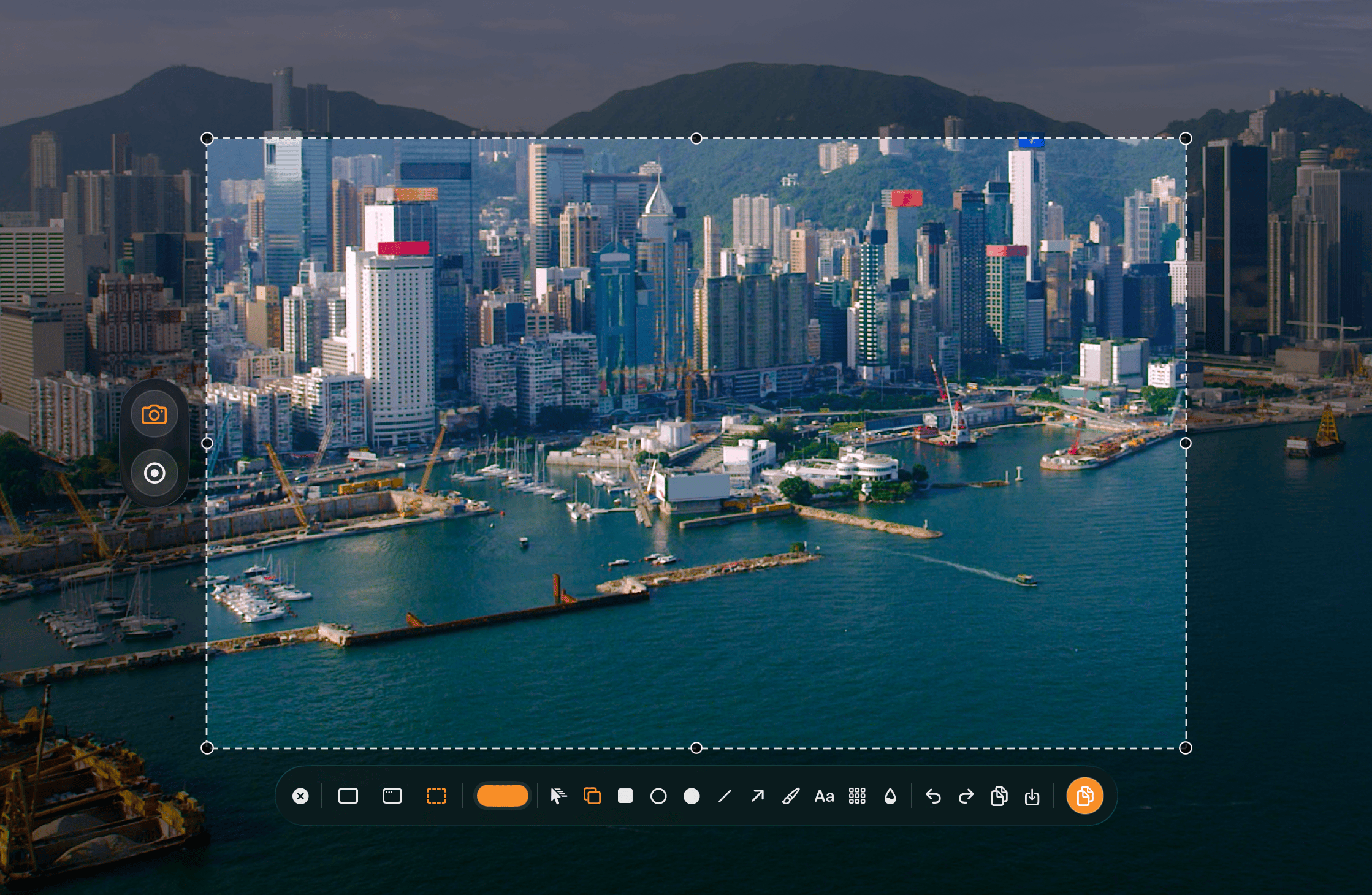
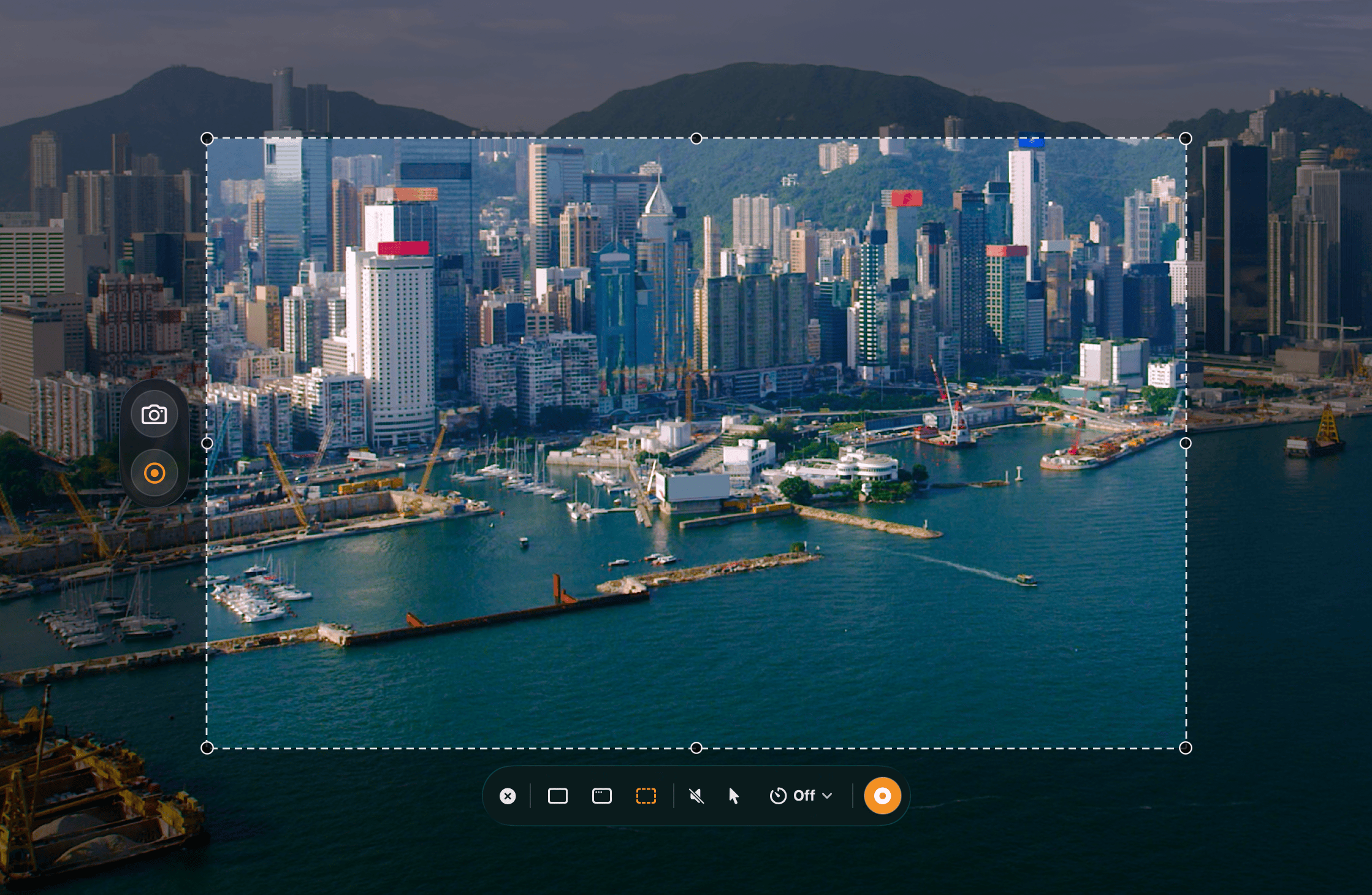
Capture, annotate, record, and export.
Start with ⌘ ⇧ C, then capture an area, a window, or the full screen.
Use shapes, arrows, text, blur, and pixelate.
Record screen video with audio and input overlays.
Use the keyboard to copy fast with ⌘ C, or save clean PNG and JPEG output.
Three steps, kept simple.
Ship the core capture app first.
Add simple post-capture editing.
Refine the macOS workflow and export quality.
Useful for bugs, docs, feedback, and AI-agent workflows where a raw screenshot is not enough.
Show the bug, the affected region, and the exact visual detail that matters instead of writing around it.
More clearly call out regressions, layout problems, and polish issues with less back-and-forth.
Produce screenshots that are easier to read in setup guides, release notes, internal docs, and onboarding flows.
Take screenshots for Codex, Claude Code, OpenCode, and similar agents when visual context helps them reason better.
Free, Lifetime, and Supporter. No subscription.
Free forever for the core capture workflow
$0
Unlock capture effects, overlays, GIF, statistics, HEVC, 60 fps, and high-bitrate exports
$9.99 one-time
Refunds are handled by the App Store.
Everything in Lifetime, plus a supporter badge and extra support for independent development
$24.99
Lifetime is $9.99. Supporter is $24.99.
A lot of screenshot tools try to do too much. I wanted something smaller, faster, and more focused.
A screenshot should be quick. Capture it, mark it up, copy it, and move on.
I want the app to feel right on macOS instead of hiding the system behind a generic interface.
The goal is a tool that stays good at capture, annotation, recording, and sharing instead of expanding into noise.
Native macOS UI for capture, annotation, recording, and export.
Download