VivyShot

Simple. Native. Fast.

VivyShot

Built to make screenshots and screen recordings faster for work, docs, bug reports, and AI-agent workflows, with capture, annotation, and export in one place.

Free to download for macOS.

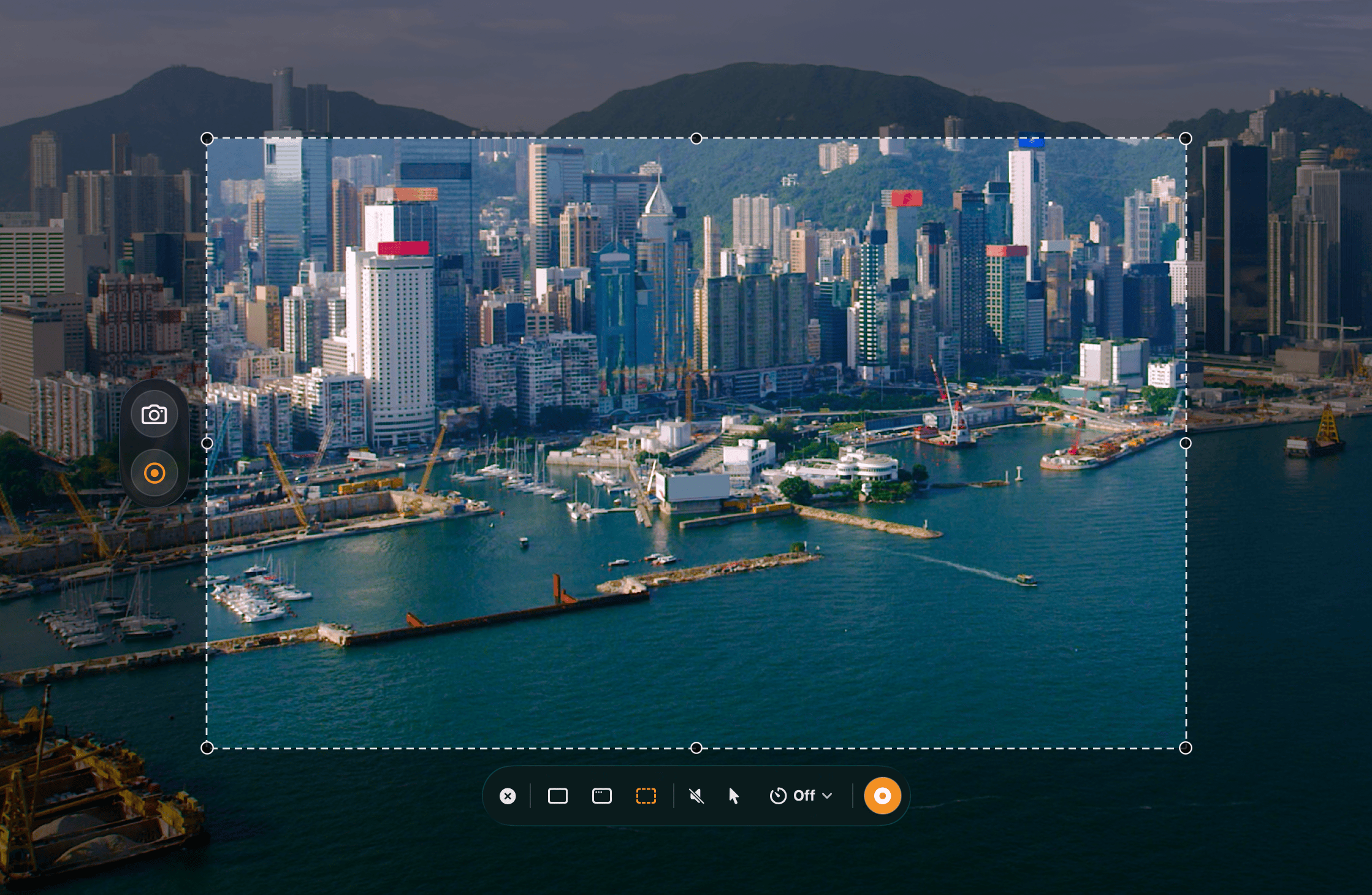
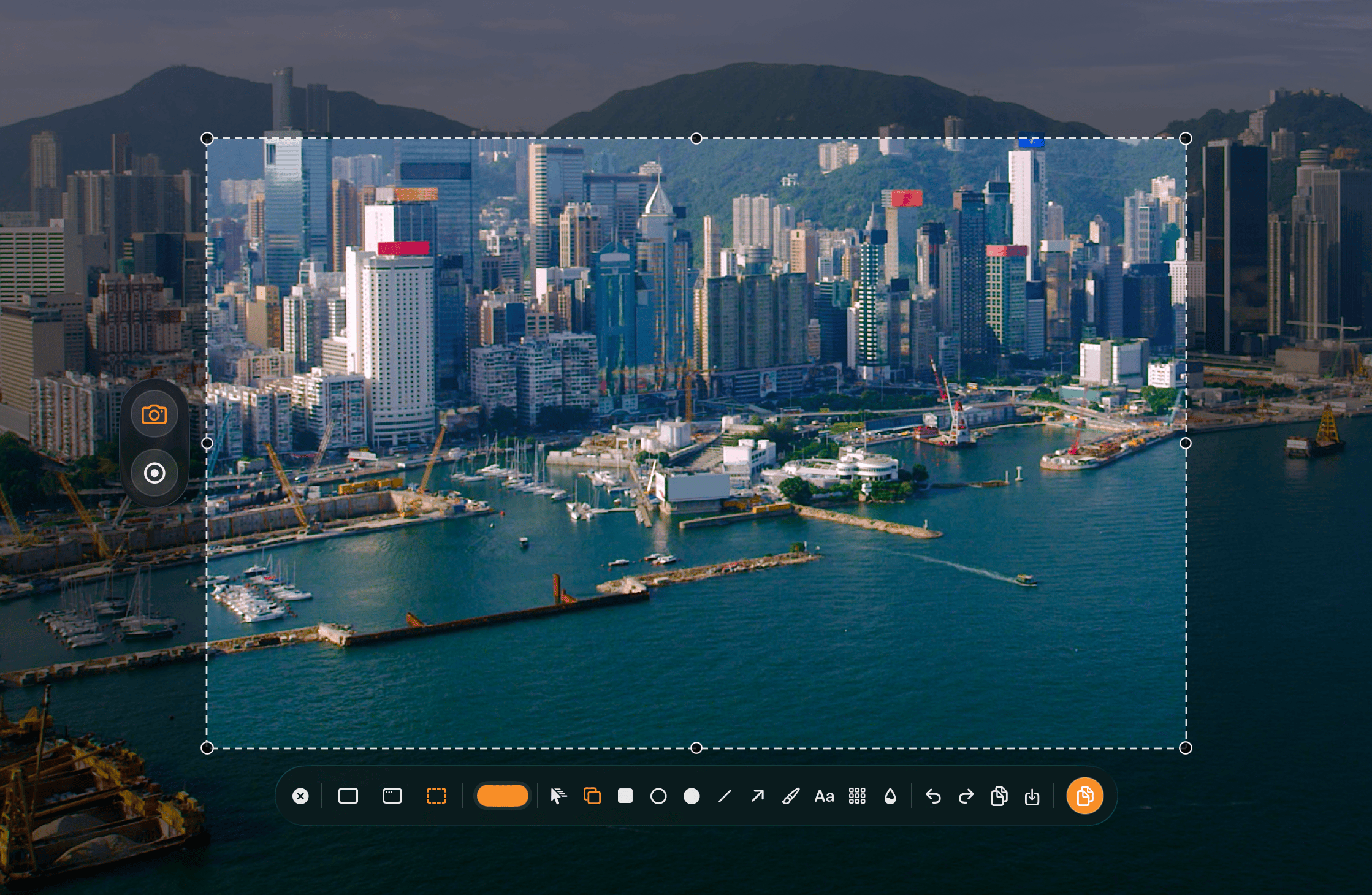
VivyShot screenshot editing workflow VivyShot capture selection workflow

What makes it different

Simple to use, native to macOS, and open source from the start.

Simple

Built for a direct flow: hit ⌘ ⇧ C, select the area, press ⌘ C, and share it.

Native

Built with a native macOS UI so VivyShot feels at home where it runs.

Focused

The app stays focused on fast capture, annotation, recording, and export instead of spreading across platforms.

Open source

The code is public, inspectable, and developed in the open.

What you can do with it

Capture, annotate, record, and export.

Capture screenshots your way

Start with ⌘ ⇧ C, then capture an area, a window, or the full screen.
Mark up the important detail

Use shapes, arrows, text, blur, and pixelate.

Record short flows clearly

Record screen video with audio and input overlays.

Export without extra steps

Use the keyboard to copy fast with ⌘ C, or save clean PNG and JPEG output.

Roadmap

Three steps, kept simple.

Now · 01 Current

macOS launch

Ship the core capture app first.

02

Editor pass

Add simple post-capture editing.

03

Polish

Refine the macOS workflow and export quality.

Where it is useful

Useful for bugs, docs, feedback, and AI-agent workflows where a raw screenshot is not enough.

Bug reports

Show the bug, the affected region, and the exact visual detail that matters instead of writing around it.

Product feedback

More clearly call out regressions, layout problems, and polish issues with less back-and-forth.

Documentation

Produce screenshots that are easier to read in setup guides, release notes, internal docs, and onboarding flows.

AI-agent workflows

Take screenshots for Codex, Claude Code, OpenCode, and similar agents when visual context helps them reason better.

Simple pricing

Free, Lifetime, and Supporter. No subscription.

Free

Free forever for the core capture workflow

$0

  • Screenshot and annotation
  • Screen recording with system audio
  • Standard H.264 export
  • First Pro export is free

Lifetime

Unlock capture effects, overlays, GIF, statistics, HEVC, 60 fps, and high-bitrate exports

$9.99 one-time

  • Everything in Free
  • Capture transitions and creator overlays
  • GIF, HEVC, 60 fps, and high-bitrate export
  • Capture statistics
Get lifetime

Refunds are handled by the App Store.

Supporter

Supporter

Everything in Lifetime, plus a supporter badge and extra support for independent development

$24.99

  • Everything in Lifetime
  • Supporter badge in Settings
  • Extra support for independent development
Become a supporter

Lifetime is $9.99. Supporter is $24.99.

Why I built it

Too much bloat

A lot of screenshot tools try to do too much. I wanted something smaller, faster, and more focused.

Too much friction

A screenshot should be quick. Capture it, mark it up, copy it, and move on.

Native matters

I want the app to feel right on macOS instead of hiding the system behind a generic interface.

Keep it useful

The goal is a tool that stays good at capture, annotation, recording, and sharing instead of expanding into noise.

VivyShot

Built for macOS capture workflows.

Native macOS UI for capture, annotation, recording, and export.

Download